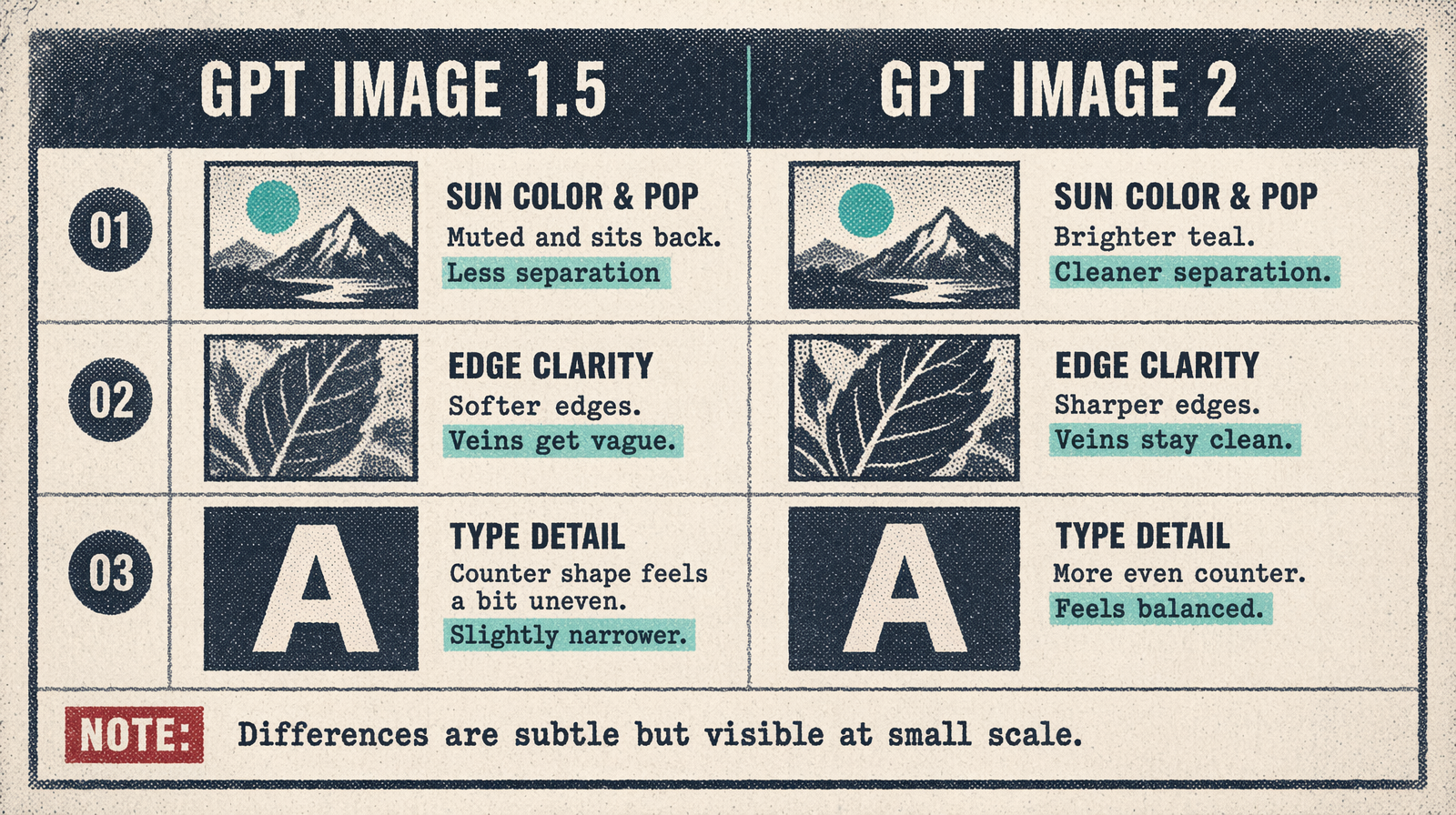
GPT Image 2 for Infographics and Data Viz
A prompt pattern for believable infographics with real labels, numbers, and structure, that survives being zoomed into at 2x.
Infographics are where text rendering matters most. A chart with mangled axis labels is not an infographic, it is a mess. GPT Image 2 is the first model where an infographic is trustable without a designer in the loop.
The pattern
Describe the chart type, the axes, the data points, and the labels explicitly. Wrap every label in single quotes. Specify the color palette. Lead with the underlying structure, not the decoration.
A worked prompt
1Create a clean infographic showing a vertical bar chart with five bars. X axis labels: 'Q1 2026', 'Q2 2026', 'Q3 2026', 'Q4 2026', 'Q1 2027'. Y axis title: 'Revenue (millions)'. Bar heights: 12, 18, 22, 30, 38. Colors: deep teal for the first four bars, warm amber for the last. Title at top reading 'Steady Growth'. Subtitle reading 'Quarterly revenue, rounded to the nearest million'. Cream background, subtle grid lines. No data source footer.
Render at 1536x1024, quality=high. The bar heights will be close to the specified ratios, labels will read cleanly, the title and subtitle will be legible at 2x zoom.
What still wants manual cleanup
Real dashed or dotted chart lines can be finicky. Specific legal footer text (methodology, citation) is better overlaid in your CMS. Very dense tables with more than 12 rows of data lose fidelity on the smaller rows; break the table into two.
Cost at scale
At quality=high 1536x1024, an infographic is about $0.29. A report that needs 40 charts is $12 and 15 minutes of render time. That is the reason GPT Image 2 is showing up in analyst workflows.