Debugging Output: Why Your Text Still Fails
In-image text rendering is the feature that sold GPT Image 1.5. It is also the feature that produces the most Slack screenshots captioned "why is it doing this." Even on the current flagship at $0.005 to $0.20 per image, expect a 5 to 10 percent failure rate on text-heavy prompts.
In-image text rendering is the feature that sold GPT Image 1.5. It is also the feature that produces the most Slack screenshots captioned "why is it doing this." Even on the current flagship at $0.005 to $0.20 per image, expect a 5 to 10 percent failure rate on text-heavy prompts. GPT Image 2 will close that gap further but not to zero. A cheap proxy like Flux dev at $0.003 per image helps debug the prompt shape before paying full price.
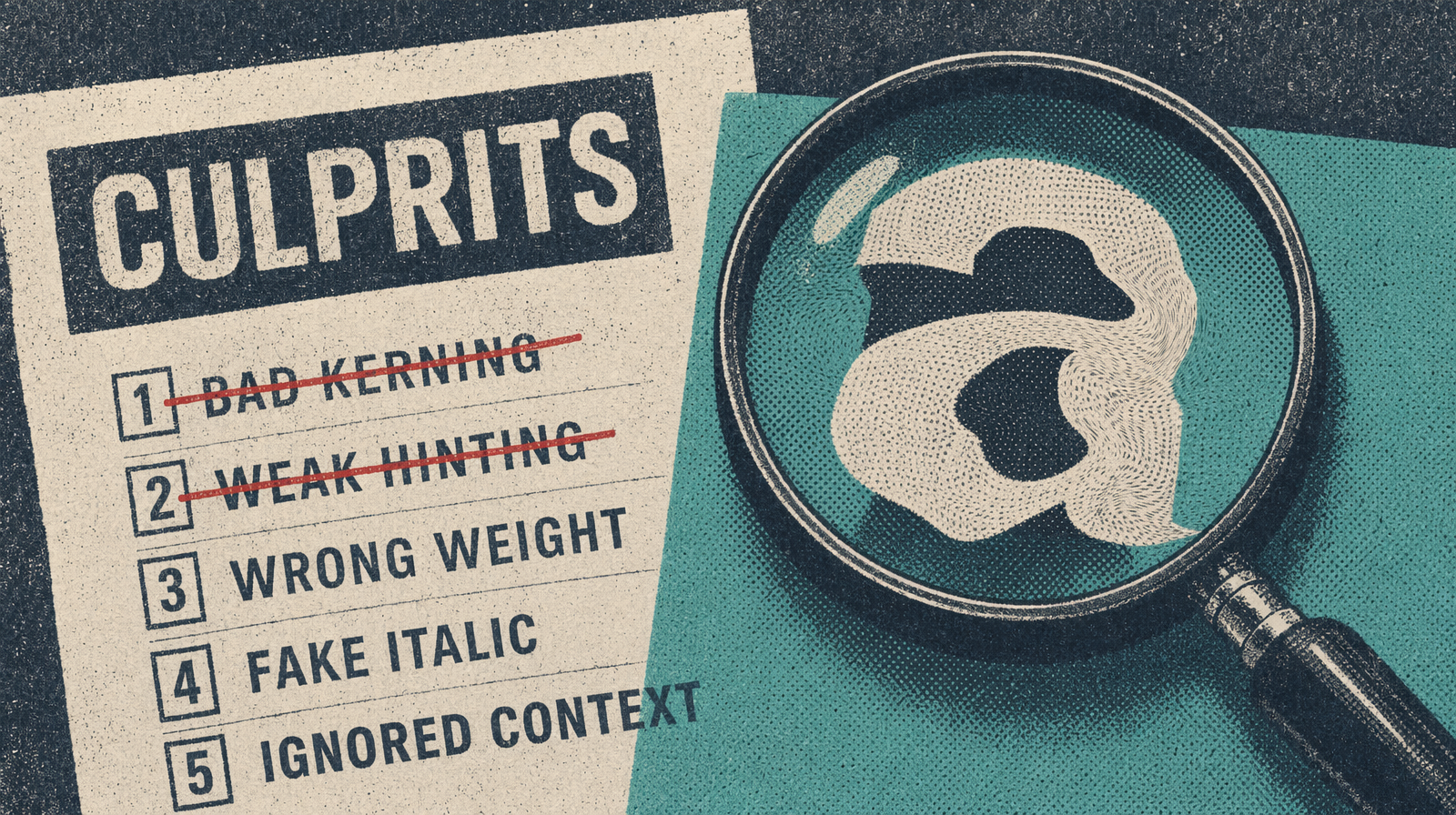
The five things that break text generation
1. Text longer than about 40 characters. The model has a hard time holding the whole string in its spatial plan. A single 18-character word is fine. A 60-character sentence like "The Complete Beginner's Guide to Italian Cooking" almost always comes back with a missing letter, a doubled letter, or a dropped word.
2. Fancy decorative typefaces. Asking for "elegant calligraphy" or "gothic blackletter" pushes the model toward rare forms it has seen only thousands of times. Rare forms have more rendering errors.
3. Rare glyph combinations. Unusual consonant clusters, accented characters outside Latin-1, and Cyrillic or Greek text have higher failure rates. "Nespresso" renders fine. "Björk" or "Åkerlund" hits the accent problem.
4. Small text on a busy background. If text is less than 8 percent of image height and the background has foliage, crowds, or detailed textures, the model allocates attention to the background and text smudges.
5. Contradictory style claims. "A rustic vintage modern minimalist poster with bold retro typography." Five competing directives. The model picks two and drops three.
The four-item triage checklist
When a render comes back broken, do not hit regenerate. Go through this list:
Check 1: Is the text string under 40 characters? Count it. If no, split into shorter lines.
Check 2: Is the typeface conservative? Ask for "clean modern sans-serif" instead of "elegant script."
Check 3: Does the text have breathing room? If the background is busy, add "with a solid light panel behind the text."
Check 4: Are there competing style words? Read the prompt out loud. If you hear three adjectives from three moodboards, cut two.
If all four pass and text still breaks, try a synonym. "Shop" renders better than "Boutique."
A failure-to-success rewrite
Failure prompt:
1A rustic vintage modern minimalist poster for a coffee shop,2bold elegant calligraphy reading "The Morning Grind: Artisanal3Coffee, Freshly Roasted Beans, Since 2019", warm lighting
Text is 76 characters. "Elegant calligraphy" is rare. Five competing style words. Busy background.
Success prompt:
1A minimalist poster for a coffee shop, flat cream background,2bold sans-serif text reading "The Morning Grind" in the center,3small text below reading "Since 2019", single hand-drawn coffee4cup illustration
Main text: 17 characters. Secondary: 10. One style word. Clean sans-serif. Flat background.
Retry pattern for production
1import { fal } from "@fal-ai/client";23async function render(primaryPrompt, fallbackPrompt) {4 const primary = await fal.subscribe("fal-ai/flux/dev", {5 // or fal-ai/gpt-image-2 once available6 input: { prompt: primaryPrompt, image_size: "landscape_16_9" },7 });89 if (!(await textLooksBroken(primary.data.images[0].url))) {10 return primary.data.images[0].url;11 }1213 const fallback = await fal.subscribe("fal-ai/flux/dev", {14 // or fal-ai/gpt-image-2 once available15 input: { prompt: fallbackPrompt, image_size: "landscape_16_9" },16 });17 return fallback.data.images[0].url;18}
The textLooksBroken function must be real. A Tesseract OCR pass or a vision-model call checking whether rendered text matches the intended string is the honest implementation.
What Image 2 will and will not fix
OpenAI's public statements about Image 2 focus on typography fidelity. Expect the 40-character limit to stretch to maybe 60. Expect rare glyphs to improve. Do not expect the five-conflicting-style-words problem to disappear; that is a prompt design problem, not a model problem. Write shorter copy, pick one style, and your failure rate drops well below 5 percent regardless of model.