Text Rendering That Holds Up: Glyphs, UI, and CJK Scripts
A working theory of why text is hard for diffusion models, what the leaked GPT Image 2 benchmarks actually mean, and how to prompt for text today on GPT Image 1.5 so your pipeline survives the upgrade.
Text is the dragon every image model tries to slay. Most get eaten. The ones that survive do so by brute-forcing character-level conditioning, not by learning typography.
If you shipped any product in 2025 that put words on pictures, you know the pain: "Office Hours" comes back as "Offfice Hoors", letters kerning like a ransom note. You worked around it by generating without text and compositing after, or you ate the occasional typo.
GPT Image 2 claims over 99 percent glyph accuracy. If the number holds, the compositing pass goes away. Here is what that buys you, and how to prompt for text today on 1.5 so your pipeline survives the upgrade.
Why text was broken
Older diffusion models treated text as texture. The model saw "a sign that says OPEN" and learned the visual shape of OPEN-in-signage-contexts. It did not learn that O-P-E-N was a sequence of four glyphs in that order. So at inference, you got the general vibe and plausible letterforms that did not compose a valid string.
Two fixes emerged. ByT5-style character-level encoders gave the diffusion head stronger character conditioning. A separate text-rendering and compositing pass was the other. OpenAI appears to have done the first at scale.
The CJK story
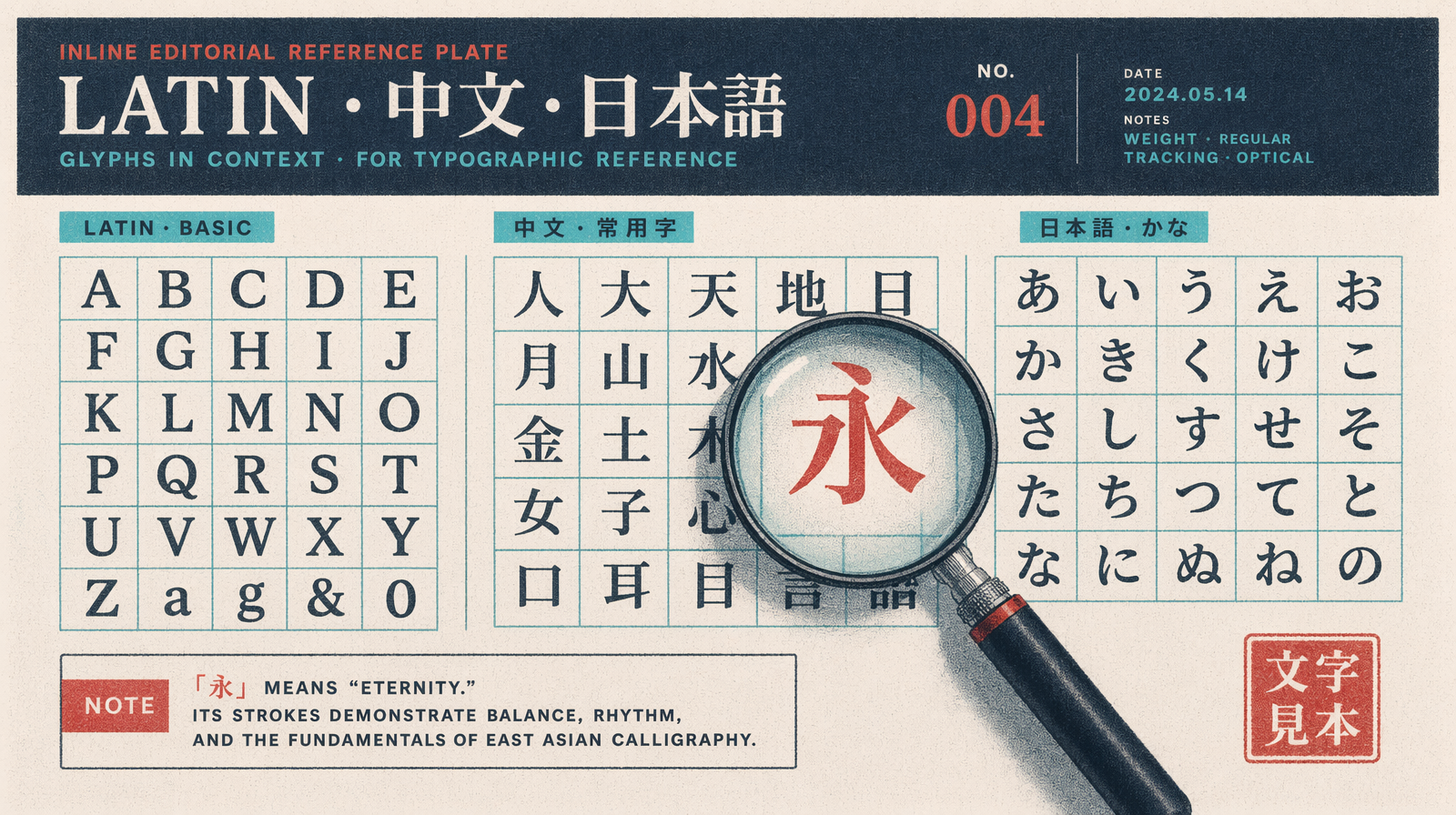
English has 26 letters. Chinese has 3,000 to 50,000 characters depending on how you count. Japanese adds two syllabaries. Korean has 11,172 syllable blocks. The image model has to render every one at scales from 8 pixels tall to 200.
GPT Image 1.5 could render single CJK characters on posters at large size. Paragraph form at small point size got you hallucinated radicals, simplified-vs-traditional confusion, or characters that looked Chinese but were not in Unicode.
GPT Image 2 Arena samples show paragraph-length simplified Chinese rendering cleanly, including the weak spots on 1.5: numbered lists with mixed Arabic digits, inline punctuation, quotations. Japanese kanji/kana mixes hold up. Korean looks at least as good as 1.5.
Prompting for text in 2026
Four rules that work on 1.5 today and carry to 2.
One. Put the exact string in quotes. Not "a sign saying hello" but a sign with the text "Hello, World" in bold serif. The quotes give the model a hard string to match against.
Two. Name the font family. Not "elegant font" but "set in Garamond" or "Helvetica Neue Bold". Naming a real font pulls a better glyph distribution from training data.
Three. Specify the substrate. Glass storefront, matte paper, embossed leather. Substrate changes how the model renders text. Signs on glass have reflections. Printed text has weight and slight registration errors.
Four. Cap length. Even in 2, long strings are harder. For a single rendered string, stay under 12 words.
UI mockups
The killer app is product screens. GPT Image 1.5 got layouts right but copy wrong, so every UI render needed a typography touchup in Figma. That is gone on 2.
On 1.5 this works but you will do a text pass after. On 2 the output should be usable directly.
1import { fal } from "@fal-ai/client";23const result = await fal.subscribe("fal-ai/gpt-image-1.5/edit", {4 // or fal-ai/gpt-image-2 once available5 input: {6 prompt: "a mobile app screen for a coffee ordering app, top header reads 'Morning Order', product card shows 'Flat White' priced '$4.50', below a primary button labeled 'Add to Cart', soft neutral palette, set in Inter Medium, SaaS mockup style",7 image_urls: ["https://example.com/base-ui.png"],8 num_images: 1,9 quality: "high",10 image_size: "portrait_9_16"11 }12});
Every piece of copy is in single quotes inside the prompt. Every label is its own fragment. The font is named. The substrate is implied by "SaaS mockup style."
Accuracy at point size
Accuracy drops with point size. A 72-point headline renders right 99 percent of the time. A 10-point caption drops to 85 percent on Image 2 numbers. On 1.5, the 10-point was 40 percent.
For small text, generate at high resolution. The 2048x2048 and 4K modes give more pixels per glyph. Render at 2048 and downsample.
Pricing implications
GPT Image 1.5 is $0.005 to $0.20 per image across tiers. Expect Image 2 to land in the same band until OpenAI publishes a price. Text-in-image tasks that needed a generate-then-composite pipeline collapse to a single call, which is a cost win.