Neutral Color: Removing the Yellow Cast from Every Render
Today's flagship text-to-image models ship with a warm-yellow tint baked in. Here is the prompt hygiene that gets you to neutral on GPT Image 1.5 and Flux while you wait for GPT Image 2.
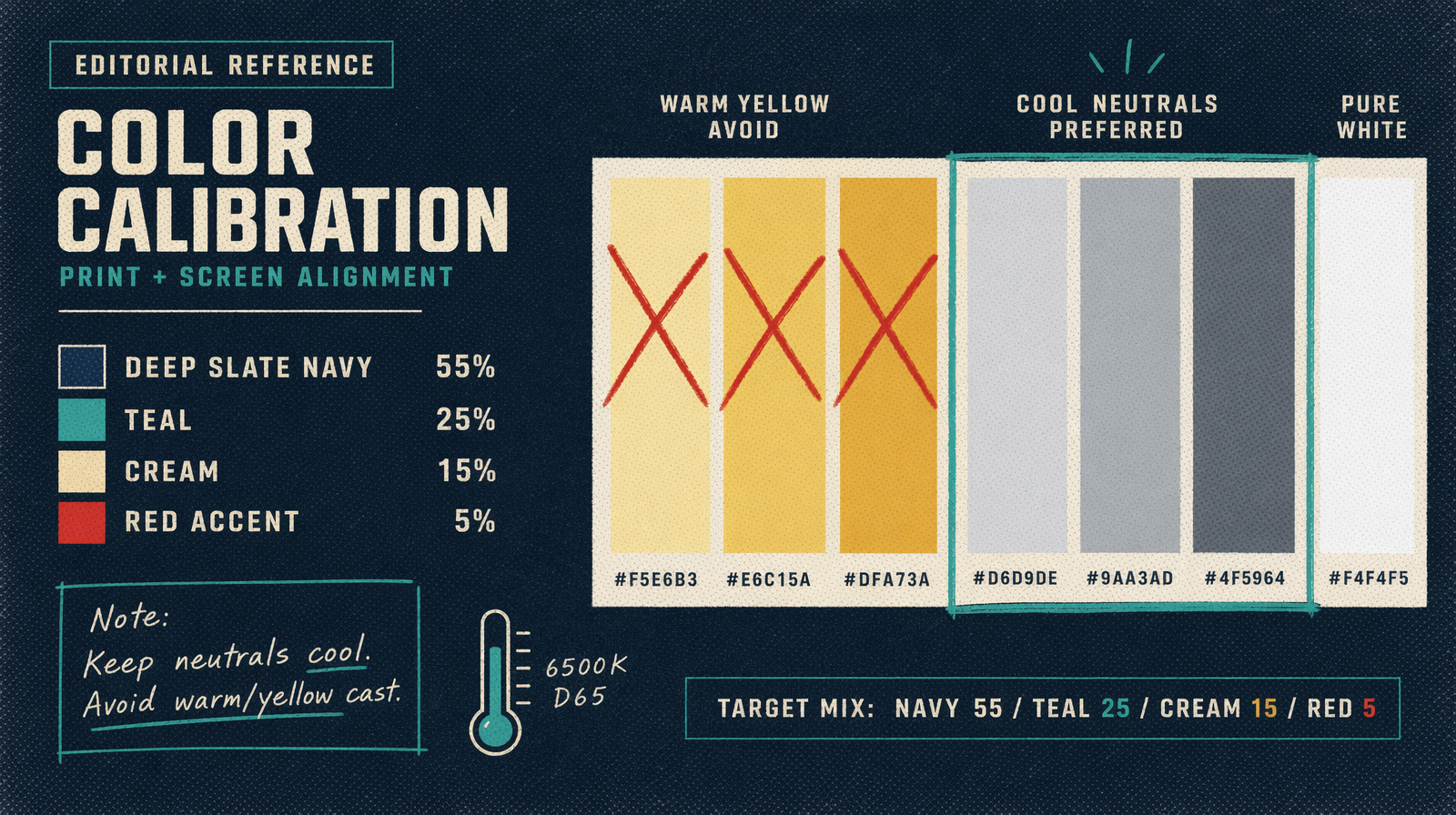
Pull up any batch of renders from GPT Image 1.5 or DALL-E 3 and compare them to a reference photograph shot at 5600K. The AI renders lean yellow. Skin looks a touch jaundiced. White walls read as cream. Metal looks brassy when it should look steely. This is training bias, and until GPT Image 2 ships (which is expected to correct the neutral color point at the architecture level), you work around it in the prompt.
The workaround is two short phrases. The bad news is that you have to put them in every prompt until the model change lands.
The two phrases that do the work
Add these two fragments near the end of every prompt.
'neutral color balance, no warm cast'
That is the base. It moves the color point closer to daylight neutral and pulls back the amber the model applies by default.
If the default still looks too warm, add a temperature cue. 'shot at 5600K, daylight white balance' pushes further toward blue. For indoor scenes, 'overcast, flat, even light' works better than a number because it tells the model there is no golden window light to apply.
Before and after
A before prompt that looks fine on paper.
A ceramic coffee mug on a wooden table next to a paperback book, cinematic lighting, shallow depth of field.
'Cinematic lighting' is the problem. The model interprets cinematic as warm tungsten, and you get a render where the mug looks orange, the table looks honey-brown, and the book cover reads as sepia.
And the after version.
A ceramic coffee mug on a wooden table next to a paperback book. Overcast daylight, flat and even, no warm cast. Neutral color balance. Shallow depth of field.
The after prompt is slightly longer and less evocative, but the render will show the mug as whatever color you actually asked for. The table will read as walnut, not caramel. The book will hold its actual cover color.
This matters most when brand color accuracy is at stake. If a client ships a product in a specific Pantone and your render needs to sell that Pantone accurately, any warm cast falsifies the comparison.
Temperature cues the model respects
Not every temperature string works. Here are the ones that move the render in measurable ways on GPT Image 1.5 and Flux.
'5600K daylight' pushes toward neutral blue-white. Good for product shots and editorial portraits.
'overcast, flat' removes directional warm light. Good for architecture and interiors.
'studio neutral, softbox' implies controlled lighting with no color shift. Good for tabletop and still life.
'north-facing window light' is a painter's term the model has learned. Cool, soft, diffuse. Good for portraits and food.
Avoid 'golden hour', 'warm', 'cozy', 'cinematic', 'dramatic', or 'moody' unless you actually want a warm render. All of those phrases amplify the existing bias instead of correcting it.
A code sample that bakes it in
Wrap your prompt builder so the neutral phrasing is always appended. Then you never forget.
1import { fal } from '@fal-ai/client';23function neutralPrompt(base: string): string {4 return `${base}. Neutral color balance, no warm cast. Shot at 5600K daylight.`;5}67const result = await fal.subscribe('fal-ai/flux/dev', {8 // or fal-ai/gpt-image-2 once available9 input: {10 prompt: neutralPrompt('A ceramic coffee mug on a wooden table next to a paperback book, shallow depth of field'),11 image_size: 'landscape_16_9',12 num_inference_steps: 3013 }14});1516console.log(result.data.images[0].url);
What changes when GPT Image 2 lands
The leaked notes say GPT Image 2 ships with a corrected neutral color point at the architecture level, meaning you should not need the hygiene phrases at all. The default will be daylight neutral, and warm looks will require an explicit ask.
When the model flips, your prompt library needs to flip with it. Anywhere you currently append 'neutral color balance, no warm cast' will start producing over-cool renders. Strip those phrases on day one. Keep the temperature cues (5600K, overcast, studio neutral) because those remain useful regardless.
Until then, type the two phrases. Every time.