Generating UI Screenshots and Product Labels
Two concrete recipes: a SaaS dashboard screenshot and a beverage can label. Both produce legible, accurate text if you specify the right details.
UI screenshots and product labels are the two places where a text-to-image model either earns its keep or embarrasses you in a client deck. GPT Image 2 is expected to land a 99 percent text rendering accuracy benchmark, which would be the first model to reliably produce readable UI at scale. Until it ships, you can get close with GPT Image 1.5 (priced $0.005 to $0.20 per image) or Flux at medium quality, provided you write the prompt like a brief instead of a wish list.
The rule for both recipes: specify every piece of text that matters, and do not ask for any text that does not.
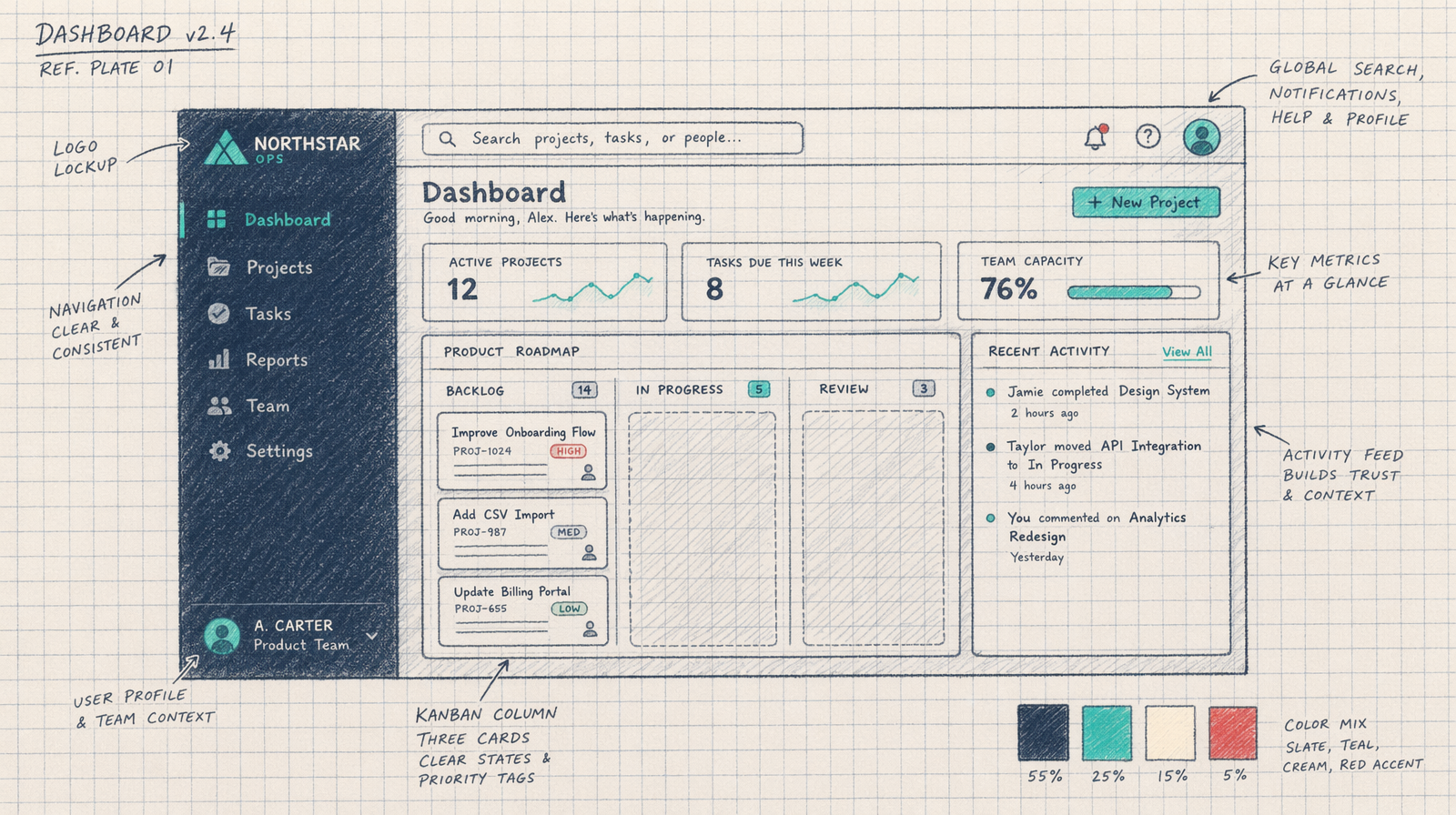
Recipe 1: a SaaS dashboard screenshot
You are generating a marketing hero. You want it to read as a real product, not a generic mockup. That means the sidebar items, column headers, and card copy all need to be things you could actually ship.
Here is a full prompt for an analytics dashboard screenshot.
A modern SaaS dashboard screenshot, clean sans-serif typography, neutral color balance with no warm cast. Left sidebar items: Overview, Reports, Customers, Billing, Settings. Main panel titled 'Monthly Revenue'. A bar chart below the title. To the right, three metric cards with labels 'MRR', 'Churn', 'New Signups' and values $42,180, 2.4 percent, 318. Background off-white, accent muted teal, sidebar slightly darker. 16:9, rendered crisply for retina display.
That prompt lists every text string that must appear. If you wrote 'a dashboard with charts and stats,' you would get gibberish text. This version gives the model a shopping list.
1import { fal } from '@fal-ai/client';23const result = await fal.subscribe('fal-ai/flux/dev', {4 // or fal-ai/gpt-image-2 once available5 input: {6 prompt: "SaaS dashboard screenshot, sans-serif typography. Sidebar items: Overview, Reports, Customers, Billing, Settings. Main panel 'Monthly Revenue'. Metric cards: 'MRR' $42,180, 'Churn' 2.4 percent, 'New Signups' 318. Off-white background, muted teal accent. 16:9, neutral color, no warm cast.",7 image_size: 'landscape_16_9',8 num_inference_steps: 289 }10});
Recipe 2: a product label for a beverage
Product labels are harder because the model has to render text along curved surfaces. Give it font guidance, a precise product name, and the regulatory bits that make labels look real.
A 330ml aluminum beverage can on a studio sweep background, front view, centered. Label is matte with a serif wordmark reading 'North Ridge'. Below in smaller sans-serif: 'Sparkling Mountain Water'. Along the bottom: '330 ML / 11.16 FL OZ' in thin sans-serif. A small certification mark reading 'Spring Sourced'. Barcode strip at the base, rectangular, slightly indented. Studio neutral, 5600K, flat, no warm cast. Muted sage green and cream palette.
Every string is declared. The font categories are declared. The measurements are declared. The certification is declared. The barcode area is reserved.
Budget math per delivered asset
Two drafts at medium quality, then one final at high quality. Medium drafts on Flux run in the low cents range per image. A high-quality final costs more but you only pay for it once per asset, after you have locked the prompt.
For a batch of ten labels, that is about twenty medium-quality renders plus ten high-quality finals. On current Flux rates, you stay in the range of $0.35 to $0.48 per delivered asset. On GPT Image 1.5 today, a low-quality draft is $0.005 and a high-quality final is $0.20, which gives you even more room to iterate.
The one thing to never skip
Read the text in every draft before you approve it. Zoom to 100 percent and confirm every character. Models render text that looks right at a glance and falls apart when a designer pulls it into Figma at actual size. One wrong letter in a product label on a client deck will cost you more than the entire render budget saved.
The prompts above give the model the best possible shot. Your job is to audit the shot.