How to Get GPT Image 2 API Access Today
OpenAI has not opened the endpoint publicly. Here is the fastest route to production code that flips to GPT Image 2 the moment the fal.ai endpoint goes live.
Every other week someone opens a ticket asking how to get GPT Image 2 API access today. The honest answer: you cannot call it by name on any hosted provider in April 2026. The practical answer: you can ship production code against fal-ai/gpt-image-1.5 right now, structure it so the model string is a single constant, and flip that constant the moment fal-ai/gpt-image-2 appears on fal.ai.
Step 1: get a fal.ai key
Sign in at fal.ai, open the API keys page, and create a key. Store it as FAL_KEY in your environment. The same key calls every image, video, audio, and 3D model on fal.ai, so you do not have one credential per vendor.
1import { fal } from "@fal-ai/client";2fal.config({ credentials: process.env.FAL_KEY });
Step 2: pin the model string behind a constant
1export const IMAGE_MODEL = process.env.FAL_IMAGE_MODEL ?? "fal-ai/gpt-image-1.5";
When the new endpoint ships, you change one env var. No code edits.
Step 3: write the call in tier-agnostic shape
1const result = await fal.subscribe(IMAGE_MODEL, {2 input: {3 prompt: "a minimalist product hero shot...",4 image_size: "1024x1024",5 quality: "medium",6 num_images: 1,7 output_format: "png",8 },9});
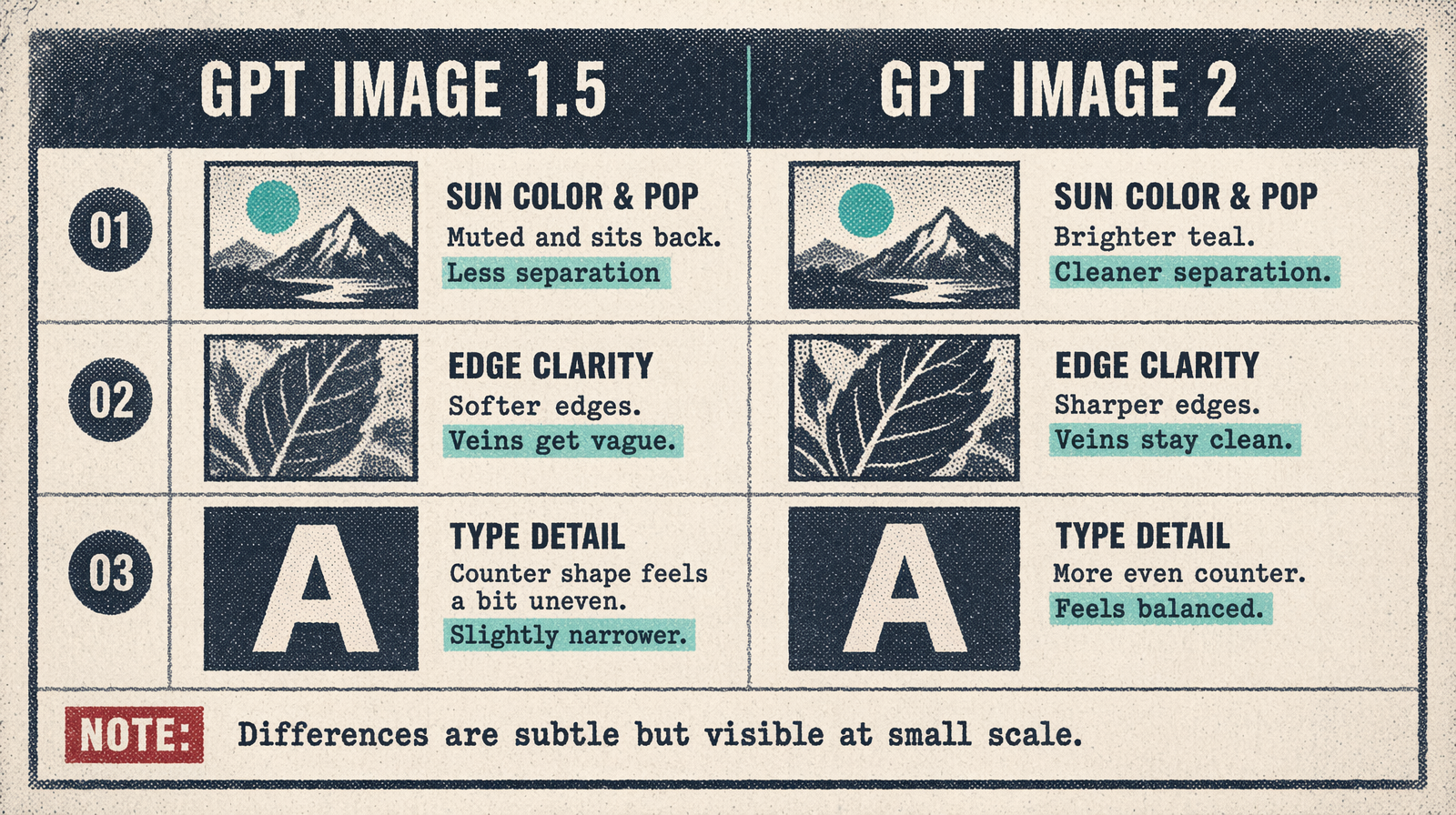
GPT Image 1.5 and GPT Image 2 share the same input schema, so the switch does not need reshaping.
Step 4: subscribe to the fal.ai changelog
fal.ai posts a changelog entry when a new model lights up. Add the RSS to your Slack, watch for fal-ai/gpt-image-2, and flip the env var. That is the path.